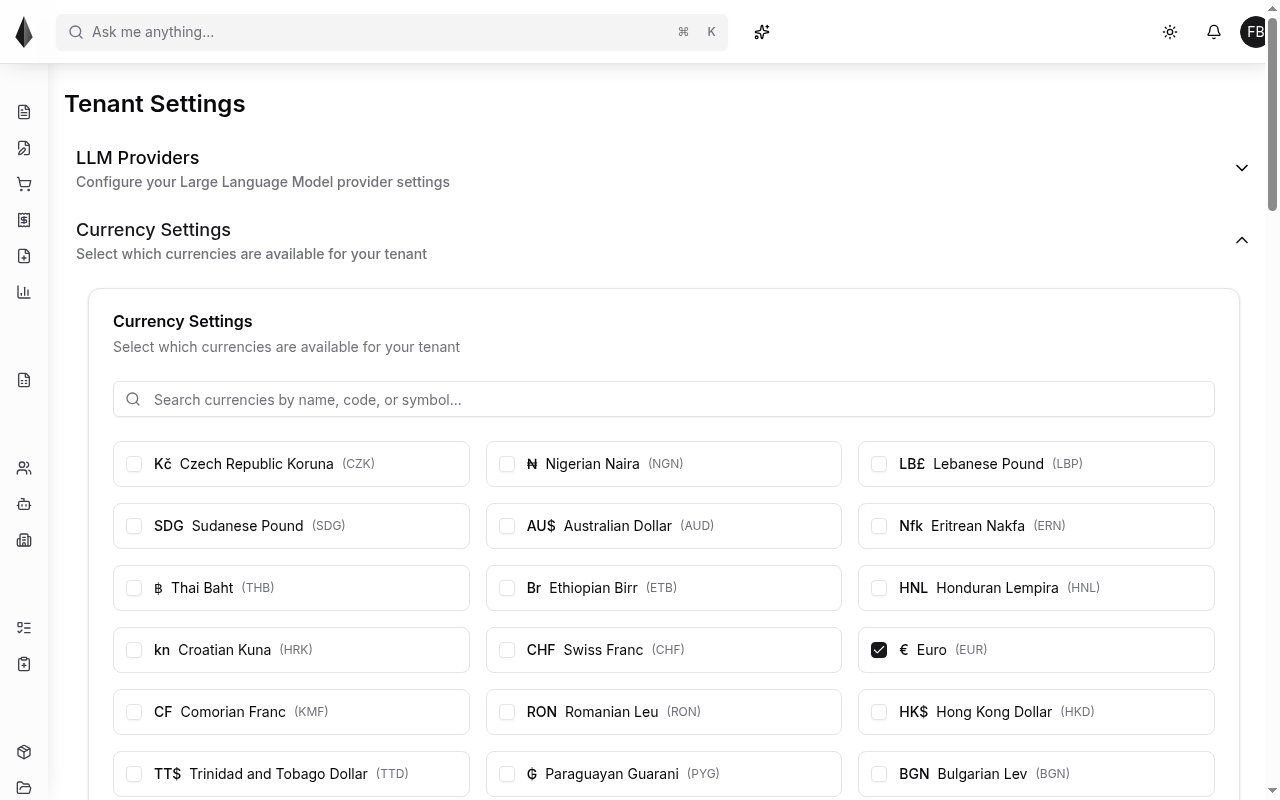
Tenant settings
Tenant settings apply across your workspace. Two common areas are LLM providers and currency.
LLM providers
Configure API access so Rune can call external large language models (for example OpenAI or xAI). Keys are used by the [AI Assistant](../8.Agents and assistant/2.ai-assistant.md) and by [Agents](../8.Agents and assistant/1.agents.md) when those features need a model.
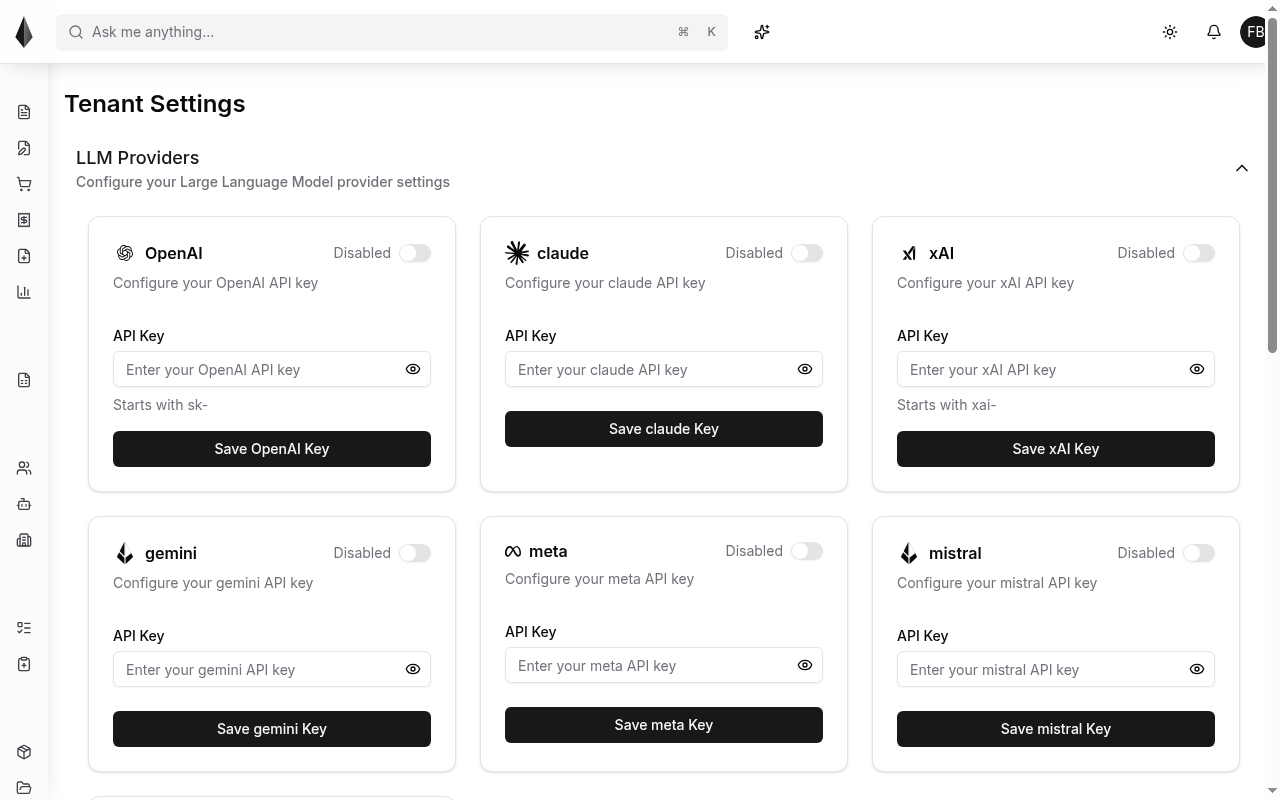
- Paste a valid API key from the provider dashboard
- After the key is saved, pick a default model for the tenant (users can still choose another model where the UI allows it)
Keep keys private
Anyone with an API key can use the linked provider account. Treat keys like passwords.
Currency settings
By default, Rune uses the currency of the country where your main organization is registered. Add or remove currencies from tenant settings when you sell in more than one currency.